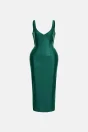
Suit → polo shirt
Compare the clothing change in this presentation example.
Original photo
AI result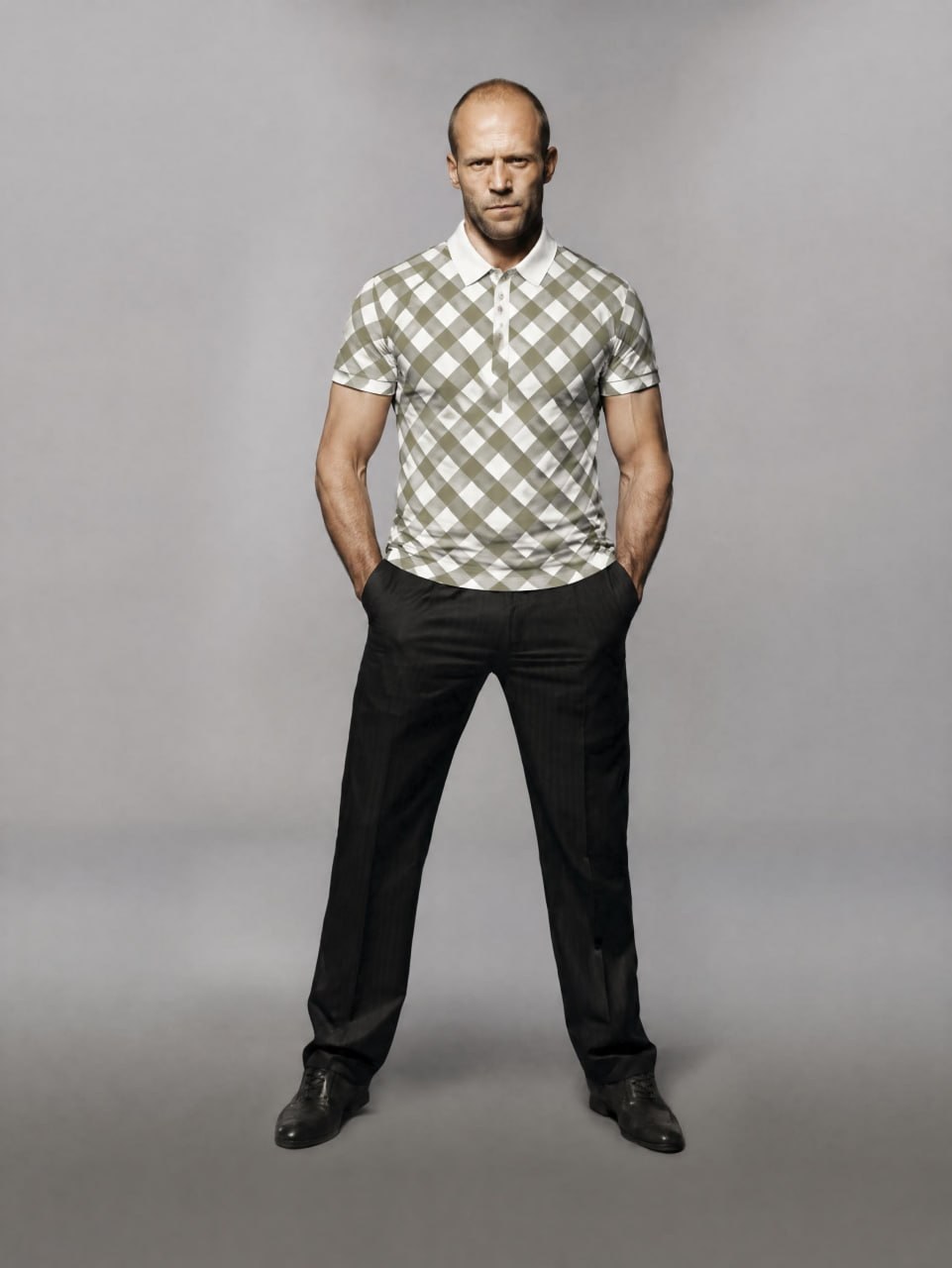
AI virtual try-on creates a visualization of a selected garment on a shopper’s photo. Uplify Try-On opens this experience from a store product page. It helps shoppers preview an outfit but does not measure the body, predict a size or guarantee physical fit.
Preview clothing on a shopper’s photo from your product page. Try-on beside the product. Purchases in your existing checkout.
For store owners · Ukrainian dashboard · no fit guarantee
AI virtual try-on creates a visualization of a selected garment on a shopper’s photo. Uplify Try-On opens this experience from a store product page. It helps shoppers preview an outfit but does not measure the body, predict a size or guarantee physical fit.
The try-on button opens a window from your product page. Shoppers do not need to move to another store: photo, consent and result are part of one flow.
The shopper selects the button beside the chosen garment in your store.
They upload their own photo, or one they have permission to use, and confirm consent before it is sent to AI.
They review the AI result and continue to purchase. The order stays in your existing store checkout.
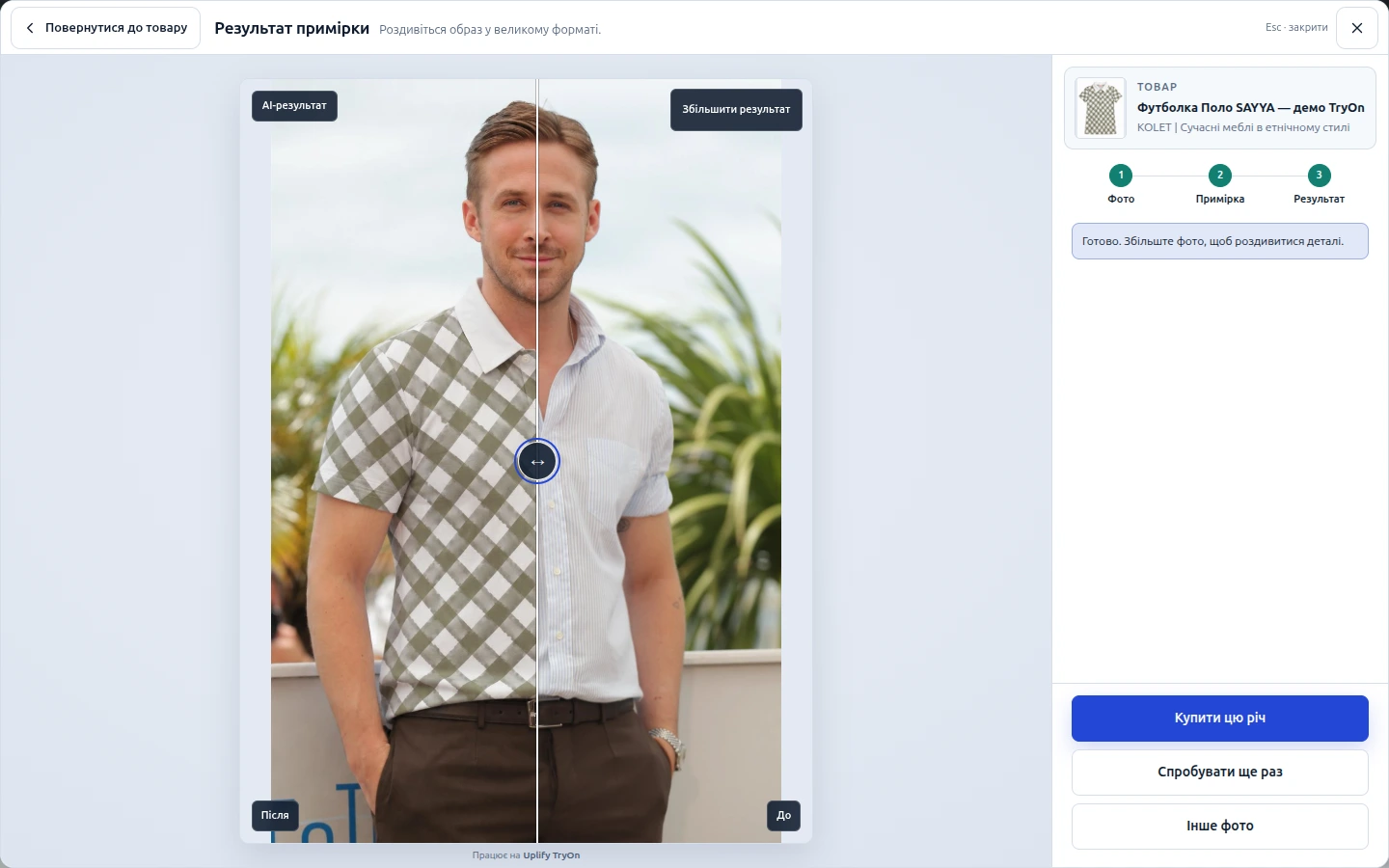
An original photo and a result, not an abstract AI promise. These examples demonstrate visualization. They are not customer case studies, endorsements or guarantees that faces, colors and details will stay unchanged.
Compare the clothing change in this presentation example.
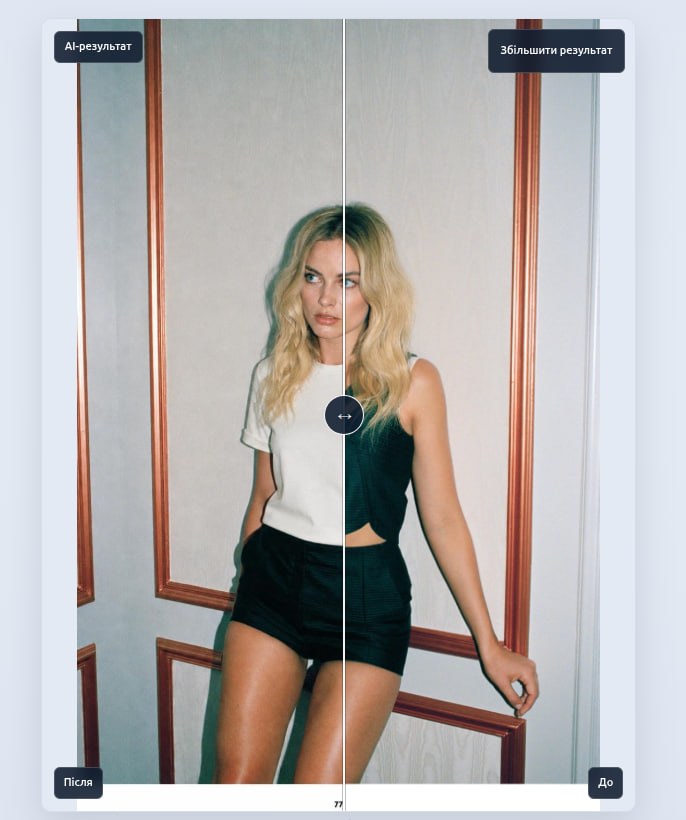
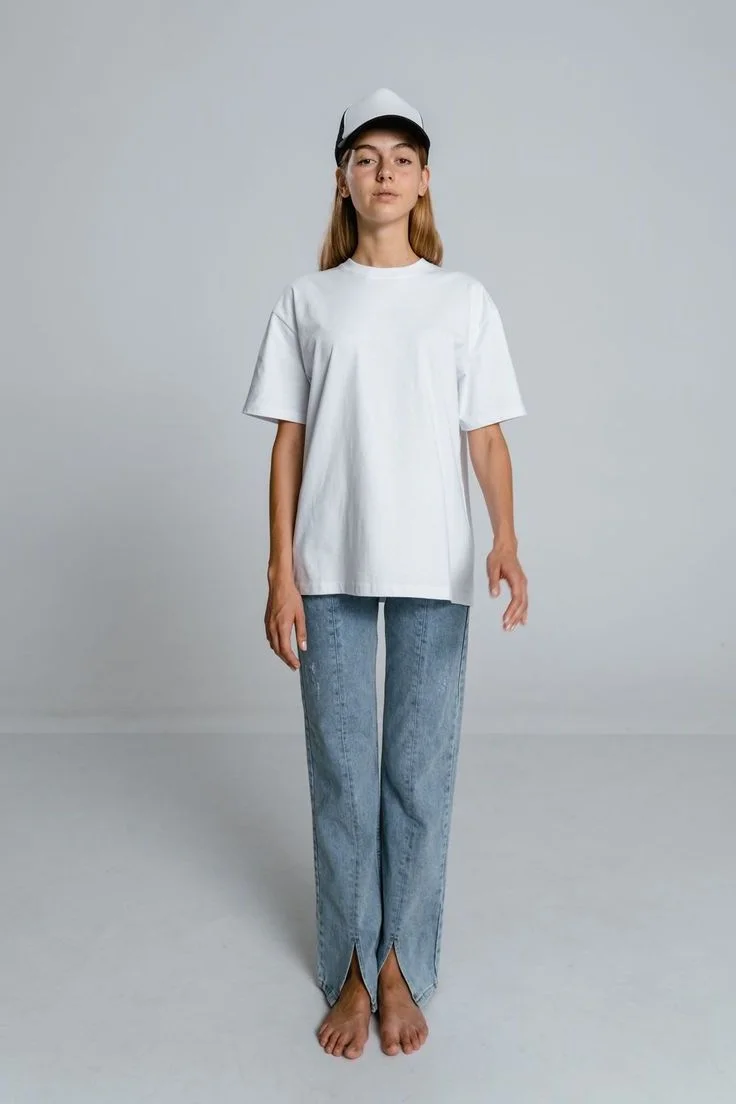
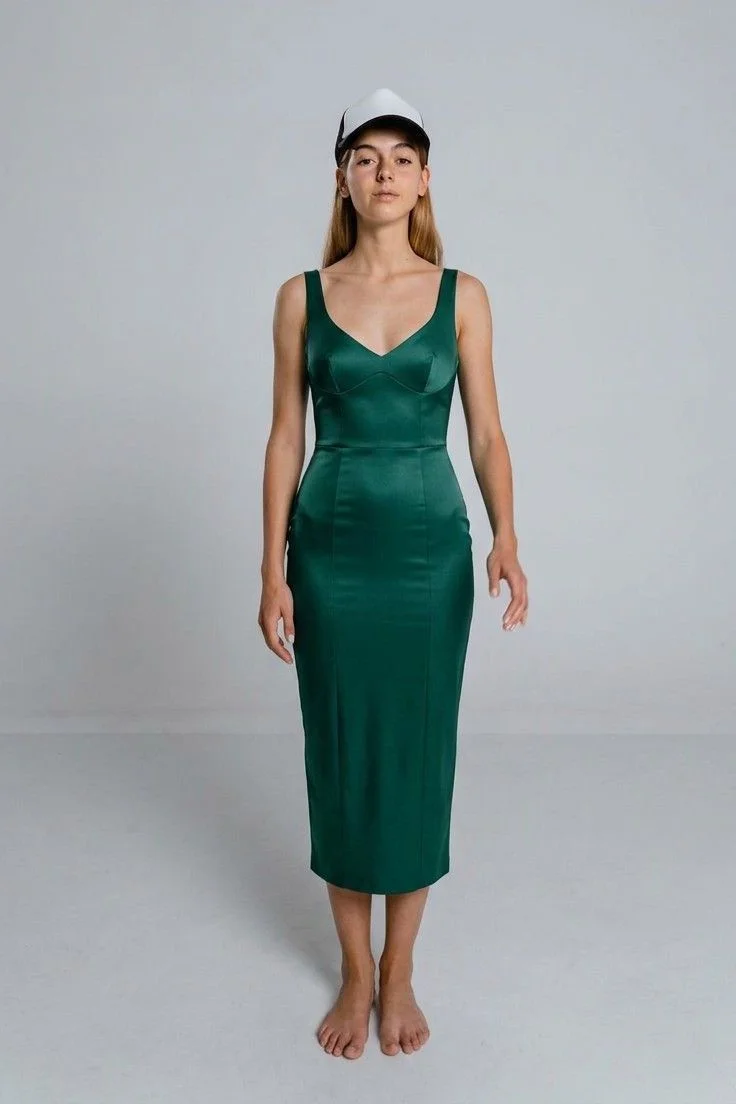
The overview shows store status and the next action. Catalog, widget, access rules, limits, runs, analytics and billing have dedicated sections, so settings do not get lost in messages.
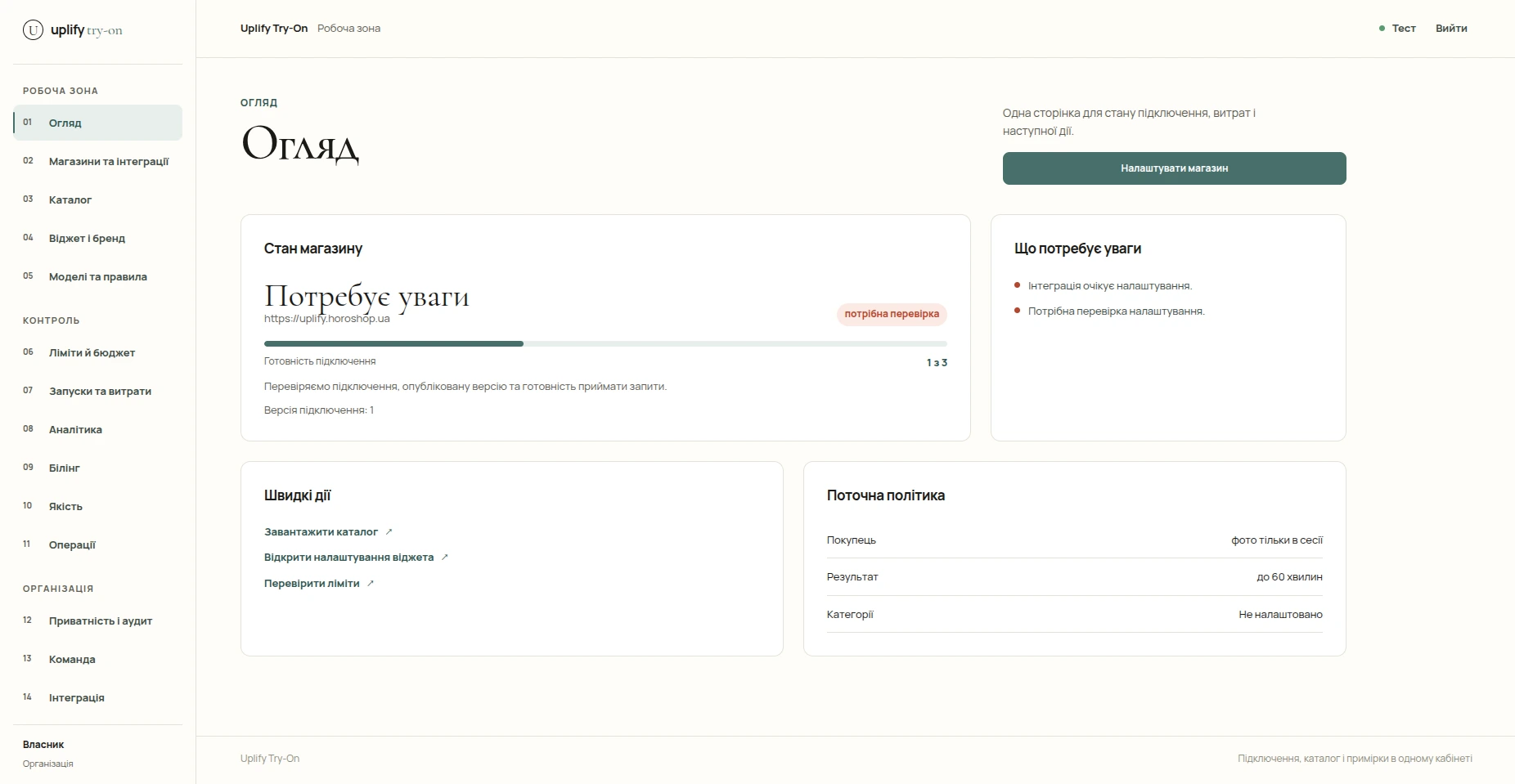
Add your domain in the dashboard. On Horoshop, choose all products without CSV or upload Google CSV for selected products and rules. Universal JS requires a review of your website’s product context.
Configure shopper access, button appearance and usage limits. Preview the widget, check the installed code and run a small pilot before a broader launch.
Shoppers consent to sending their photo to AI and receive a visualization. Versioned settings let you return to an earlier publication; orders remain in your store.
Product-page integration. Check the catalog, allowed domain and button placement on your store template.
For websites that permit JavaScript insertion. Review compatibility with the specific theme and page before publishing.
A separate beta flow. Check the available connection and store compatibility first; this is not a claim of a published Shopify App Store app.
Native integration is not currently advertised as available. A particular website can be assessed separately for universal JS.
| Package | Try-ons | Package price | Per try-on |
|---|---|---|---|
| Start | 100 | 790 UAH | 7.90 UAH |
| Store | 500 | 2,950 UAH | 5.90 UAH |
| Scale | 2,000 | 9,800 UAH | 4.90 UAH |
One-time packages billed in Ukrainian hryvnias (UAH), not USD. A try-on is deducted after a completed result; a technical retry does not reduce the balance. Packages activate automatically after a confirmed WayForPay payment. Daily and monthly store limits are configured separately. Check current terms in the dashboard before paying.
The service requests consent before sending a photo to AI. Its current policy describes processing the input during the request and keeping a result in protected cache for up to 60 minutes. Shopper photos are not published as product images. Review the service policy before connecting your store.
Use your own photos or photos with permission. AI can change details and introduce artifacts; provider processing periods follow their own policies. Payment and refund conditions are in the service documents.
No. It visualizes clothing on a photo, not body measurements or physical fit. Size charts, product specifications, store advice and return terms remain important. Color, detail and silhouette may differ from the real garment; an AI image is not a guarantee of a match.
No. Shoppers open try-on from the product page and place orders in your existing checkout. Try-On does not replace payment, shipping or order confirmation. Before launch, review button placement, the mobile flow and the return to the product page on your theme.
Shopify is currently in beta, not at the same readiness level as Horoshop and Universal JS. Start by checking the available flow and compatibility. We do not claim a universal Shopify App Store installation or identical behavior on every theme.
Buy a one-time package and configure daily and monthly store limits. Packages include 100, 500 or 2000 AI try-ons; the unit price depends on volume. Usage limits do not replace a funded balance. Any implementation help from the agency is scoped and priced separately.
No. It is a separate product with its own dashboard and try-on packages. If UPLIFY is building your store, we can agree on the integration, compatibility checks and pilot within the project scope. Commissioning a store does not include free or unlimited AI try-ons.
Leave your email and use “Add details” for your store URL, platform and clothing categories. Tell us where the try-on button should appear and which shopper journey you want to test. We will agree on compatibility, widget appearance, limits and a pilot. Implementation help is scoped separately from the try-on package.